Google’s Gemini can now use your brand ‘skills’ in Gmail
Google’s Gemini now follows your brand playbook across Gmail and Docs, summarizes long threads, and books meetings from Chat. Here’s what to set up first.

By Owen Reyes· Email Vox · 13 Nov 2026

Key facts
- ■Google’s ‘skills’ for Gemini roll out across Workspace apps starting Nov 9, 2026 for Rapid Release and Nov 30 for Scheduled Release.
- ■Skills let teams codify brand voice and templates in SKILL.md files and use them via @mentions in Gmail, Docs, Slides, Drive, and Chat.
- ■Admins can audit skills with new Workspace Studio log events and control access and external sharing via the Admin console.
- ■Gemini in Gmail adds AI Overview summaries and non‑personalized Help me write to all Workspace users 18+, starting Nov 10, 2026.
- ■Google Chat now offers 1‑click meeting scheduling from small conversations, with suggested times and titles, in an extended rollout from Nov 9, 2026.
- ■Workspace skills and Gemini app Gems don’t sync; 2027 migration converts Gems to draft skills only in the Gemini app.
Timeline
- November 9, 2026Skills in Workspace rapid rollout begins for eligible editions
- November 9, 2026Chat 1‑click meeting scheduling extended rollout starts
- November 10, 2026Gemini in Gmail summaries and Help me write expand to more users 18+
- November 30, 2026Skills in Workspace scheduled release rollout begins
Google just gave teams a practical way to stop rewriting the same brand rules in every prompt. “Skills” in Google Workspace—reusable instructions tied to your templates and Drive files—are rolling out across Gmail, Docs, Slides, Drive, and Chat, with admins able to monitor usage.
For marketers, this means faster, on‑brand drafts and fewer copy rewrites. Add Gmail’s broader Gemini access—AI thread summaries and non‑personalized Help me write—and you get two concrete gains: less time catching up on long conversations, and more consistent first drafts you can ship or A/B test.
What happened
-
Google says skills in Workspace are “reusable, custom instructions that guide Gemini to apply your team’s rules, templates, and reference files,” and they’re rolling out in Workspace Studio and across apps starting November 9, 2026 for Rapid Release domains and November 30, 2026 for Scheduled Release domains (source).
-
You can create and test skills in Google Workspace Studio from scratch, from templates, or by editing Markdown‑native SKILL.md files; you can also draft and collaborate on skills directly in Google Docs before enabling them (source).
-
Gemini can apply skills automatically when a prompt matches, or you can invoke them explicitly with an @mention—combining multiple skills in a single request if needed (source).
-
Admins get new Workspace Studio log events to monitor and audit skill activity, and can allow or disable skills at the domain, OU, or group level; external sharing follows existing Studio sharing controls (source).
-
Separately, Google is expanding Gemini in Gmail to more Workspace users aged 18+: AI Overview now summarizes long email threads, and non‑personalized Help me write can draft or refine emails; rollout starts November 10, 2026 and features are ON by default but user‑disableable (source).
-
In Google Chat on the web, Gemini now detects clear meeting‑scheduling intent in small conversations (up to 5 participants), underlines the trigger text, and shows a card with up to three suggested times, attendees from the thread, and a suggested title, enabling 1‑click scheduling; extended rollout began November 9, 2026 (source).
The background
-
Skills aim to standardize recurring work across teams: Google cites brand voice for marketing emails and decks, contract reviews against Drive‑stored guidelines, and recurring status updates generated from meeting notes and Chat conversations as examples (source).
-
Skills are available on the web across Workspace Studio, Gmail, Docs, Slides, Drive, and Chat, and in the Google Chat mobile app for invoking; they’re not yet available in Sheets or Meet, and currently support English prompts and instructions only (source).
-
Sharing a skill from Workspace Studio gives recipients an independent copy; edits to your original won’t overwrite theirs. If a skill points to Drive files, you must share those files separately to avoid permission errors (source).
-
Skills in Workspace are distinct from skills or Gems in the Gemini app and do not sync; Google says remaining Gems will be automatically migrated in 2027 to draft skills in the Gemini app only, not in Workspace apps, though both support the open SKILL.md format for manual copy‑over (source).
-
We’ve covered Google’s steady control creep in Studio—reply filters and nested logic aimed at email workflows—in October, which set the stage for skills to plug into standardized Gmail drafting and approvals (background).
-
Gmail’s AI Overview and drafting help arrive as inbox placement has tightened this year and summaries increasingly set the first impression subscribers see, a point raised in our reporting on rising Gmail strictness and post‑sale performance dips that punish sloppy follow‑ups.
What people are saying
-
Google frames skills as a way to “maintain approved brand voice, tone, and structure across email drafts in Gmail, proposals in Docs, and pitch decks in Slides,” highlighting cross‑app consistency over one‑off prompts (source).
-
On governance, Google says skills and Gemini in Workspace are ON by default for eligible editions but can be disabled at the domain, OU, or group level, and admins can monitor activity via Workspace Studio log events, adding auditability to AI usage (source).
-
For Gmail, Google positions AI Overview and non‑personalized Help me write as tools to “help users with a school or work account manage their communications more efficiently,” with admins able to disable and end users allowed to turn them off individually (source).
-
In Chat, Google emphasizes reducing context switching: Gemini only underlines messages with a “clear request to set up a new meeting,” then proposes up to three slots based on Calendar availability, with conflicts flagged (source).
-
For marketers coordinating with sales, the Chat update piggybacks on earlier Workspace additions like Meet policy prompts and Drive encryption controls we covered in our Google security roundup, tightening pre‑call setup without leaving the thread.
What happens next
-
Rollouts: skills begin gradual visibility for Rapid Release domains from November 9, 2026 (up to 15 days) and for Scheduled Release domains from November 30, 2026; Gmail features begin November 10, 2026; Chat scheduling is on an extended rollout starting November 9, 2026 (sources, 2, 3).
-
Access: Skills are available to Business Starter, Standard, Plus; Enterprise Starter, Standard, Plus; Google AI Pro for Education; and AI Expanded Access, with users required to be 18+; Gmail’s AI features are available to all Google Workspace customers, Workspace Individual, and personal accounts 18+ with smart features enabled (sources, 2).
-
Admin steps: Confirm smart features and personalization are on where desired; set Studio sharing controls for external skill sharing; review Studio log events to baseline usage; decide whether to allow skills to trigger Studio flows manually or on schedules (sources, 2).
-
Migration note: You can no longer add new “Ask a Gem” steps in Studio flows; replace them with skills per Google’s Help Center guidance. Gems will convert to app‑only draft skills in 2027, not to Workspace Studio, so plan any cross‑environment reuse via SKILL.md copy‑paste (source).
-
Marketing play: Treat skills like shared copy libraries: one “Brand Voice” skill for tone and structure, plus task‑specific skills for lifecycle emails, legal lines, and pitch templates. Then measure if AI Overview‑optimized openings change how you front‑load value in long Gmail threads. For how placement pressure interacts with summaries, see our Gmail deliverability deep dive and browse more in the /category/marketing hub.
The Email Vox take
Email Vox take
-
Ship a “Brand Voice” skill first. Keep it short (tone, banned phrases, CTA structure) and attach 2–3 best‑in‑class examples in Drive for grounding.
-
Build a “Lifecycle Copy Blocks” skill per flow. Store approved headers, value props, and legal lines—so Gemini reuses proven copy in welcomes, post‑purchase, and win‑backs.
Mini checklist
- Create: One Brand Voice skill + one skill per lifecycle stage (welcome, onboarding, post‑purchase, win‑back).
- Test: Paste 3 real prompts and compare drafts against your control emails.
- Share: Give sales/CS a copy; attach public‑safe Drive references.
- Guardrails: Add spam‑trigger bans, offer caps, and unsubscribe language.
Three starter subject lines to test
- “We saved you a spot—your {product} is back in stock”
- “Quick 15? Your custom plan is ready”
- “Thanks for your order—here’s how to get more from it”
Frequently asked questions
- what are google workspace “skills” in plain english?
- They’re reusable, team‑written instructions that tell Gemini how to draft and review work—like emails or decks—using your brand rules and reference files.
- where can i use skills today?
- On the web in Workspace Studio, Gmail, Docs, Slides, Drive, and Chat. Not yet in Sheets or Meet. English‑only prompts and instructions for now.
- how do i trigger a skill in gmail or docs?
- Once enabled, Gemini can auto‑apply relevant skills, or you can @mention one or more skills in a prompt—even combine multiple in one request.
- can i share skills with my team or clients?
- Yes. Sharing from Workspace Studio gives recipients their own copy to customize. If a skill references Drive files, share those files too.
- are gems from the gemini app the same as workspace skills?
- No. They don’t sync. In 2027, remaining Gems will convert to draft skills in the Gemini app only, not in Workspace Studio or apps.
- who gets the new gmail ai features?
- AI Overview summaries and non‑personalized Help me write are rolling out to all Google Workspace customers and Workspace Individual subscribers aged 18+.
- how does the new chat meeting scheduler work?
- In small Chat conversations (up to 5 people), Gemini underlines clear meeting requests and offers a card with times, attendees, and a suggested title.
- can admins turn these ai features off?
- Yes. Admins can disable Gemini features in Gmail and Studio. Skills and Gemini in Workspace are ON by default but can be turned off by admins.
Why this matters
Google just moved AI from one‑off prompts to reusable playbooks inside where you write and coordinate. For email teams, that’s a chance to stamp brand voice on every draft, reclaim time from thread‑catchup, and speed pre‑call scheduling—all inside tools your company already uses. The catch is governance: skills copy, Drive permissions, and admin controls decide whether this scales safely. Teams that codify voice, offers, and legal now will ship more consistent campaigns faster, while stragglers watch AI improvise—and risk off‑brand copy and compliance misses.
Sources
Reporting draws on the public sources listed above. Spotted an error? Request a correction.
Follow-up coverage
Related coverage
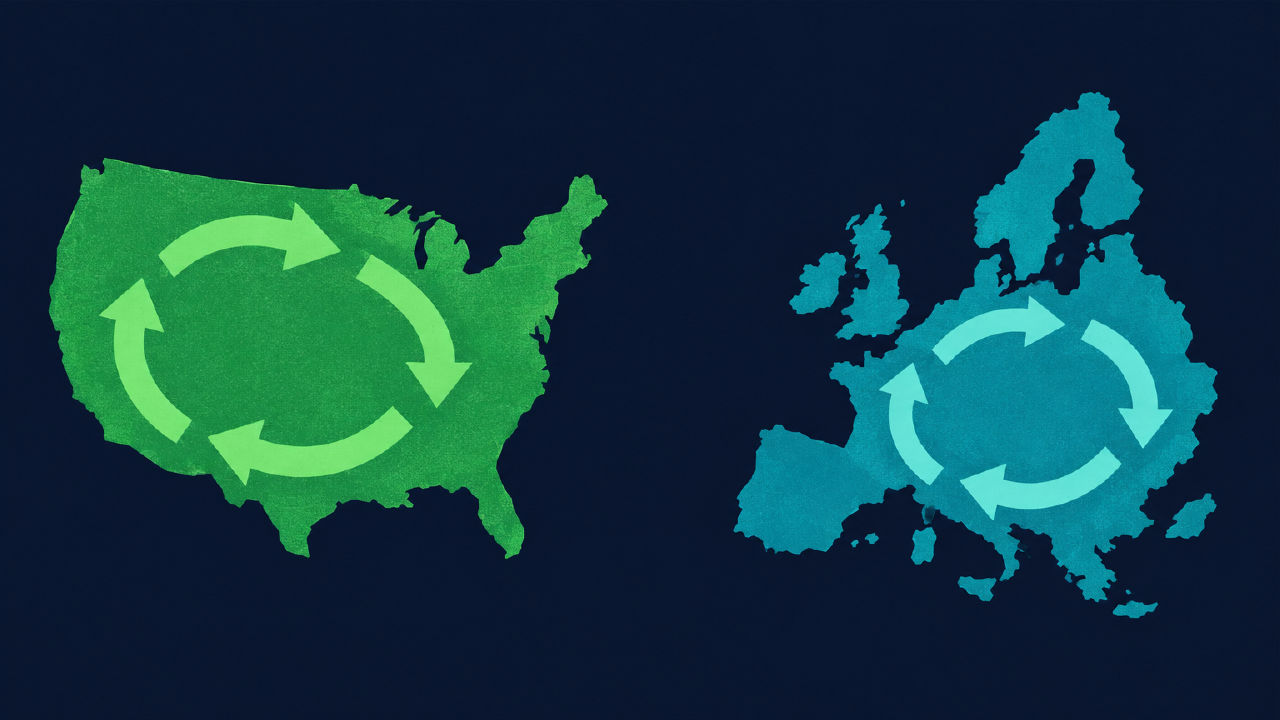
Google locks Studio automations to US/EU regions
Workspace Studio can now keep Gmail-and-Docs automations strictly in the US or EU—with a kill switch for AI and non‑regionalized steps when compliance demands it.
24 Nov 2026

Google adds Gmail reply controls to Workspace Studio
Workspace Studio’s October update adds reply filtering, nested logic, document search and more meeting data—small controls that could make email workflows less repetitive.
10 Oct 2026
Google adds Meet policy screen and a Drive CSE beta
Meet gets pre‑join policy text. Drive gets a beta to auto‑encrypt “confidential” files. Forms gains Gemini insights. Vids adds Omni 1.2—and pauses custom avatars.
10 Nov 2026

Fake invites, real theft: AitM phish steals Google MFA
Researchers say UAT‑11985 is phishing Taiwan research affiliates with fake invites and an AitM kit to grab Google logins and MFA codes.
17 Oct 2026

The Promotions tab isn’t a dead end
Gmail’s Promotions tab can lift, not sink, sales—if you nail the envelope and give Google the deal details it needs to highlight your send.
13 Nov 2026

Gmail’s inbox placement just took a sharp turn
Validity says Gmail inbox placement slipped nearly 10% this year. Here’s what moved the needle—and what marketers should change before holiday sends.
30 Oct 2026