Gift guides that sell: how to sort, name and time them
Omnisend’s 12-brand roundup shows what actually gets clicks: sort by person, signal “gift guide” in the subject, add a budget exit—and go digital when shipping slips.

By Iris Calder· Email Vox · 17 Nov 2026
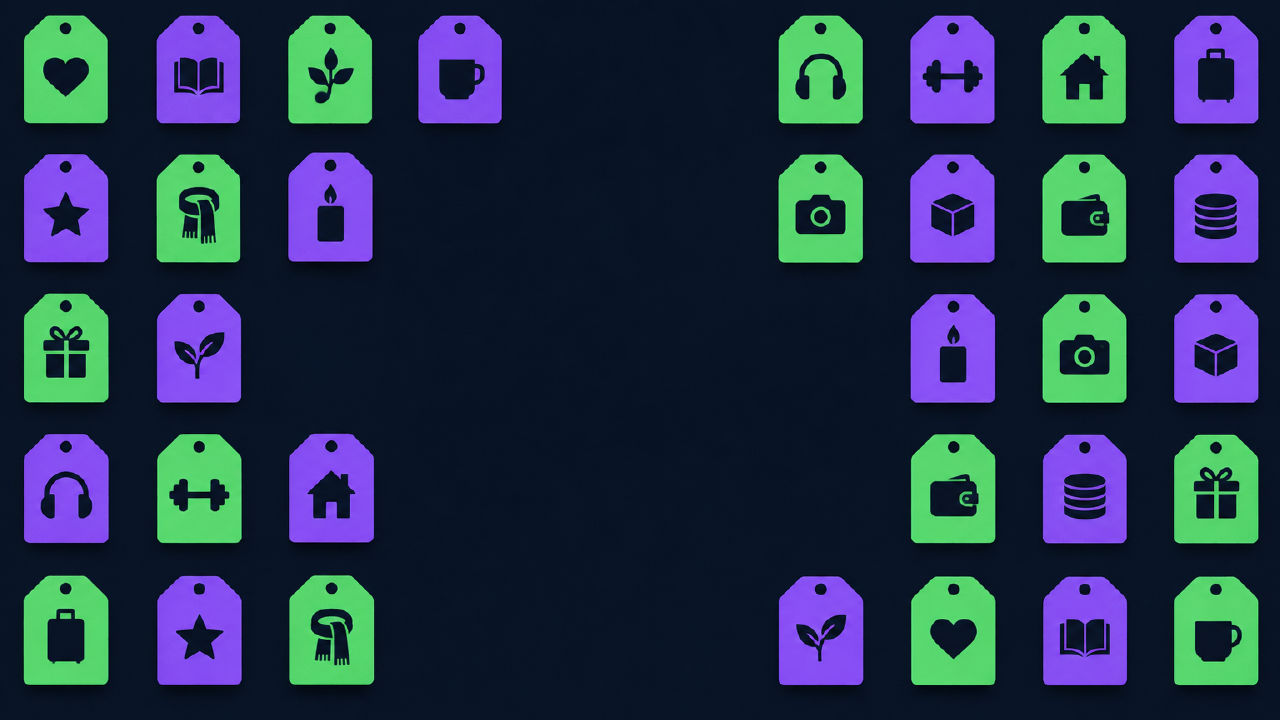
Key facts
- ■Omnisend analyzed 12 gift guide emails from Oct 2025–Oct 2026.
- ■Eight of the 12 guides are sorted by recipient type, not product.
- ■Nine subject lines name the guide; four put a named curator behind picks.
- ■MATE the Label sent a personality‑sorted guide on Oct 21, 2025.
- ■Dr. Martens paired a premium theme with an “under $150” budget exit.
- ■Greater Goods sold instant digital gift cards on Dec 23, 2025.
Timeline
- Tuesday, October 21, 2025MATE the Label sends a personality‑sorted gift guide
- Tuesday, November 4, 2025Dr. Martens pitches handcrafted gifts, adds “under $150” exit
- Friday, November 14, 2025Jamie Oliver Cookery School sends a gift flowchart email
- Friday, December 12, 2025Jo Loves launches a gift finder quiz, five days pre‑cutoff
- Tuesday, December 23, 2025Greater Goods Roasting sells instant digital gift cards
Gift guides aren’t “nice to have.” They’re conversion tools—if you sort them the way shoppers decide and send them before the holiday crush.
Omnisend analyzed 12 gift guide email examples sent between October 2025 and October 2026 and found most winners do the choosing for the buyer. Eight of the 12 are grouped by the person (personality, relationship, even pet type), four put a named person behind the picks, and nine literally say “gift guide” in the subject line (source).
What happened
Omnisend’s roundup highlights 12 gift guide emails—each sent for holidays or another gifting moment—showing patterns you can copy now. The MATE the Label send on Tuesday, October 21, 2025 landed 38 days before Black Friday and sorted the guide by six personalities, using “THE CLEAN HOLIDAY GIFT GUIDE 🎁” as the subject and “Something for everyone on your list” as the preheader (source).
Dr. Martens’ Tuesday, November 4, 2025 message opened on a “handcrafted” theme (Made in England) and still gave budget shoppers a way out with a “GIFTS UNDER $150” button at the end. The grid showed no prices up front; the copy set value first with “built in our Northamptonshire factory,” then used “NEW” badges on three of five styles to pull in existing fans (source).
Jamie Oliver Cookery School’s Friday, November 14, 2025 email used a flowchart to funnel buyers to one class after 2–3 questions about the recipient—“BUDDING COOK” or “SEASONED CHEF”—and paired it with a voucher option for the undecided. The subject promised season and utility: “The ultimate festive gift guide has arrived 🎁” with “Find the perfect cookery class” in the preheader (source).
Jo Loves turned choice into a short quiz on Friday, December 12, 2025—five days before its December 17 standard‑delivery cutoff—framed as “Jo’s Gift Finder,” then backed it with three priced picks and the cutoff date for scrollers who skipped the quiz. The first quiz prompt was who you’re buying for—Other Half, Family, or Friends—so nobody clicked blind (source).
Greater Goods Roasting pivoted to last‑minute digital gift cards on Tuesday, December 23, 2025—two days before Christmas. Each card mapped to a type of coffee lover (“someone who enjoys discovering new coffees”), so an instant gift still felt personal, and the subject line flagged urgency and audience: “Last-minute gift ideas for coffee lovers” (source).
The background
Omnisend’s core definition is blunt: a gift guide email is a short, curated set of picks grouped by price, recipient, or interest, designed to reduce decision fatigue. The data points in its sample—eight sorted by recipient, four with a named curator, nine naming the guide in the subject—show utility cues matter as much as the products (source).
Several featured guides hide prices on the initial grid so the first click is about the person. MATE the Label’s tiles show a photo and a label with no price, pushing shoppers to commit to who they’re buying for first, then meet price on the landing page. That sequencing aligns with how Gmail’s Promotions view highlights structured, shoppable elements—see our explainer on how the Promotions tab can lift sales with the right envelope.
Timing is explicit in these examples. One brand sends 38 days pre‑Black Friday, another places a quiz five days before its shipping cutoff, and a third flips to digital cards two days before Christmas. That staggered plan mirrors our Black Friday deliverability checklist, which urges early segmentation and clear cutoffs to avoid complaint spikes.
Theme‑led guides can still serve budgets. Dr. Martens led with “handcrafted” and only later added the “under $150” exit. That sequencing lets the brand make its value case before introducing a ceiling—without losing lower‑spend buyers who need a fast filter.
Flow aids beat menus when your catalog is big. Jamie Oliver Cookery School’s flowchart and Jo Loves’ quiz both narrow choices to one fit, then offer a voucher fallback. That approach cuts guesswork for buyers who know the recipient better than the product, a point Omnisend emphasizes: a quiz “narrows the shopper’s choice, so the buyer doesn’t have to guess a scent.”
What people are saying
Omnisend’s takeaway is that guides should “do the choosing for the shopper” by sorting around the recipient or budget and by naming the guide in the subject line (source). It calls out how MATE the Label opens on a common buyer pain—“the mom who ‘doesn’t need a thing’”—before any product, then uses personality tiles to drive the first click.
For value framing, the Dr. Martens example shows how copy like “wear for years to come” and “built in our Northamptonshire factory” sets a mental price before any number appears. Omnisend notes that placing a “GIFTS UNDER $150” CTA at the end keeps budget shoppers in the flow without undercutting the premium story.
On decision helpers, Omnisend highlights Jo Loves’ first quiz question—are you buying for your Other Half, Family, or Friends?—as a low‑friction opener that any buyer can answer. It also points to Jamie Oliver Cookery School’s either‑or calls (“BUDDING COOK” vs “SEASONED CHEF”) as faster than scanning a six‑item menu.
For last‑minute pivots, Omnisend emphasizes how Greater Goods Roasting matches each digital gift card to a recipient type so an instant product doesn’t feel generic. That tactic aligns with our guidance on the hidden holiday hazard a week after Black Friday: late‑season sends need clarity, not volume.
What happens next
If you’re mapping Q4, Omnisend’s calendar clues suggest a three‑stage plan: ship the first “by recipient” guide in October, follow with a decision aid (quiz or flowchart) near your shipping cutoff, and pivot to digital gift cards when deliveries won’t land. Keep a visible cutoff date in the email itself, as Jo Loves did five days out.
Add one budget escape hatch like “Gifts under $50/$150,” but place it after your hero range so your value story lands. Keep prices off initial tiles if you want the first click to be about the person. If you rely on Gmail for reach, make sure your envelope clearly signals a guide; Omnisend saw nine of 12 subjects name the guide. For broader execution help, the /category/marketing hub and our piece on why consistency beats frequency can help you set a sustainable cadence that won’t ding deliverability during peak weeks.
The Email Vox take
Here’s how to turn this into revenue with one week of work:
- Build two versions: a “by recipient” grid for early send (no prices on tiles) and a “by budget” version for late‑season.
- Add one safety valve: a price‑ceiling CTA (“Gifts under $50/$150”).
- Slot in a quiz or 2–3 question flowchart if your catalog is big.
Email Vox suggestions
- Subject lines: “Our 6‑tile gift guide (shop by person)”, “Not sure what to buy? Take the 30‑sec gift quiz”, “Missed shipping? Instant gifts for coffee lovers”.
- Copy angles: open on the recipient’s problem ("She doesn’t need a thing"), then offer one‑click paths by person.
- Mini checklist: add delivery cutoff date, one digital option, one budget CTA, and a fallback voucher.
Frequently asked questions
- what is a gift guide email?
- A gift guide email is a curated set of gift picks grouped by price, recipient, or interest, designed to make choosing faster for shoppers.
- when should I send a holiday gift guide email?
- Omnisend’s examples include one sent October 21, 2025—38 days before Black Friday—showing brands start in October and build from there.
- should I sort my guide by price or by recipient?
- Omnisend notes eight of 12 examples sort by recipient (personality, relationship, pet type), and several also include a budget link like “Gifts under $150.”
- do subject lines need to say “gift guide”?
- Yes helps: nine of the 12 examples use the guide name in the subject line, which signals utility and intent to shoppers.
- are quizzes or flowcharts worth it in gift emails?
- Yes. One brand used a short quiz, another used a flowchart. Both narrowed choices to a single pick matched to the recipient.
- what if shipping cutoffs are too tight?
- Omnisend shows a December 23, 2025 example selling digital gift cards matched to recipient types—ready instantly when shipping won’t make it.
- should I include prices in the grid?
- Several examples keep prices off the initial grid, pushing shoppers to pick by person first and see pricing on the landing page.
- what’s a price-ceiling exit link?
- It’s a budget safety valve like “Gifts under $150” placed after premium items, so lower-budget buyers still have a clear click path.
Why this matters
Gift emails aren’t just seasonal window dressing—they’re choice engines that cut friction. Omnisend’s examples show shoppers convert when you sort by the person first, flag that it’s a guide in the subject, and offer a budget exit. Add a quiz or flowchart if your catalog’s big, and pivot to digital gift cards when shipping windows close. Marketers who map these steps onto their calendar—October launch, pre‑cutoff reassurance, last‑minute instant options—can keep clicks coming without spamming, and give Gmail’s Promotions view exactly the structured, shoppable signals it likes.
Sources
Reporting draws on the public sources listed above. Spotted an error? Request a correction.
Follow-up coverage
Related coverage
Holiday email: target last year’s gift buyers now
A Nov 16 playbook flags last year’s gift buyers as your missed money. Label gifts by recipient, show prices and cutoffs, and email them twice—no discount needed.
18 Nov 2026
Pre-sale emails that actually pull revenue forward
Omnisend’s latest examples show what actually moves earlier orders: auto-applied codes, SMS-only links, VIP vs retail pricing, and deadlines you can copy today.
21 Nov 2026

Sneak peek emails that actually build demand
Omnisend’s 2026 examples show how a single hero image, one clear CTA, and holding back key details can turn previews into high‑intent lead machines.
19 Nov 2026
The post‑BFCM plan: five December emails that sell
Don’t let your list go quiet after Cyber Monday. Here’s the week‑by‑week December plan—with USPS cutoffs, Hanukkah timing, and a coupon‑leak fix you can enable now.
20 Nov 2026
Testimonial emails that sell: 4 moves worth copying
Omnisend’s latest roundup shows how named quotes, skeptic stories, and gift-ready reviews can do the selling for you—if you place and phrase them right.
21 Nov 2026
Make your order confirmations do real work
Klaviyo’s latest guidance says confirmations are more than receipts—and they earn clicks. Here’s what to include, when to send, and where the legal lines sit.
6 Nov 2026