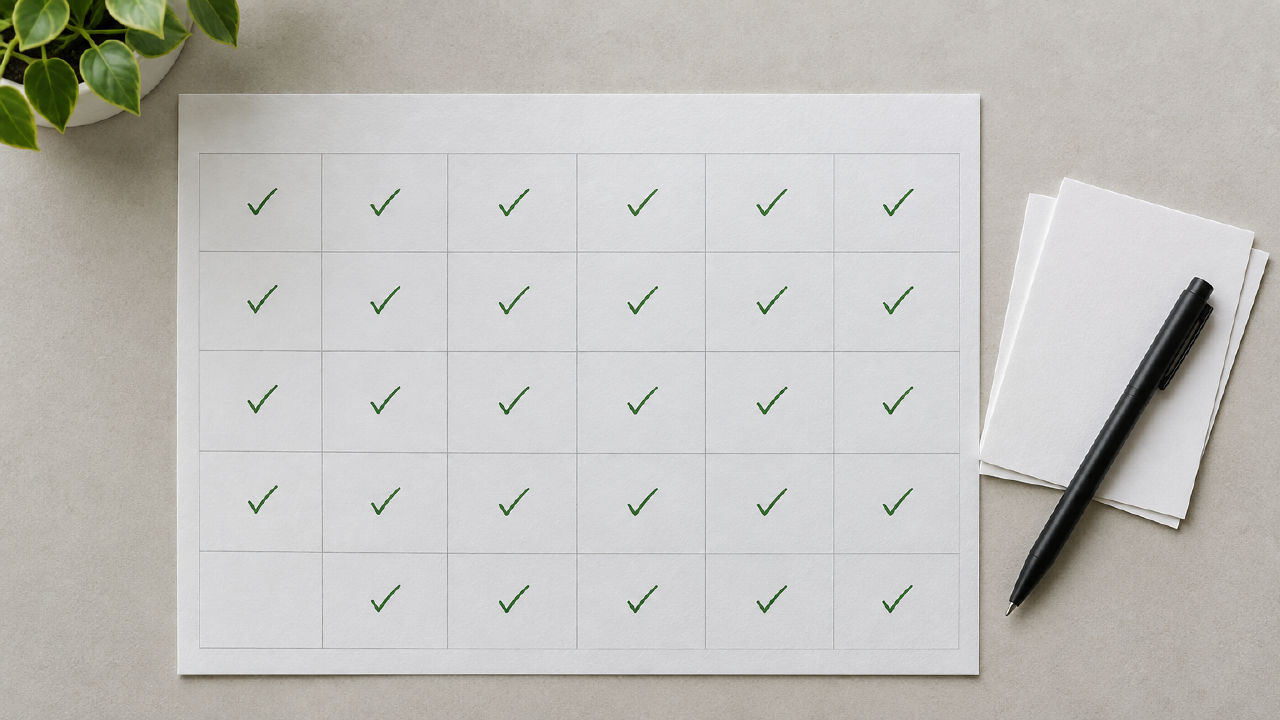
Consistency beats frequency
A steady cadence beats more sends. Here’s how to pick a schedule you can keep, avoid deliverability dips when promos hit, and still ship revenue.

By Iris Calder· Email Vox · 15 Nov 2026
Key facts
- ■AWS says mailbox providers expect steady cadence; sudden spikes can damage reputation and inboxing (AWS).
- ■Mailchimp expert Vicky Glass recommends weekly if possible, monthly at minimum—and warns sudden increases trigger unsubscribes (Mailchimp).
- ■Spamhaus will require valid HELO, rDNS, and matching A records per sending IP starting Nov 2026 (Spamhaus).
- ■AWS advises segmenting by recent engagement and spreading spikes over available days to protect inbox placement (AWS).
- ■AWS notes ~20% unique opens indicate high engagement, but results vary by industry and frequency (AWS).
- ■Mailchimp highlights Send Time Optimization and Timewarp to match audience timing across time zones (Mailchimp).
You’ll make more money by being reliably present than by shouting louder. Inbox algorithms learn your rhythm, subscribers learn what to expect, and revenue gets steadier when your cadence is steady. Mailbox providers explicitly prefer regular patterns—and sudden spikes can trash placement just when you need it most (AWS).
Pick a schedule you can actually keep
Vicky Glass, a Mailchimp partner, says the best frequency is one you can meet consistently—and suggests weekly if you can, monthly at minimum. She warns that sudden jumps trigger unsubscribes and falling opens when people tune out daily blasts (Mailchimp). If you’re stuck on timing, she recommends starting with weekdays in working hours, then adjusting to audience routines like school drop‑offs or early commuter reads; she notes weekend sends can also work for some audiences (Mailchimp).
What mailbox providers expect (and why cadence pays)
AWS notes inbox providers such as Gmail and Yahoo learn your volume, list makeup, and timing—and they reward consistency. Large, abrupt changes can create short‑ and long‑term deliverability problems because reputation models assume unwanted mail when patterns break hard (AWS). The blog adds that roughly 20% unique opens indicate strong engagement, but the right baseline varies by industry, send frequency, and content type (AWS).
If you’re new to deliverability guardrails, our explainers on spam complaint lines and how to stay under them and the DMARC‑first play to protect your next send give the thresholds and setup order. You can also browse more how‑tos in the /category/marketing hub.
Deliverability basics that make consistency work
Spamhaus says all senders should use confirmed opt‑in to avoid spam traps, keep suppression lists current, and authenticate with SPF, DKIM, and DMARC with proper domain alignment (Spamhaus). In plain English: SPF is a DNS list of servers allowed to send your mail; DKIM is a cryptographic signature proving a message wasn’t altered; DMARC is the policy that tells receivers what to do if SPF/DKIM don’t match your From domain.
Spamhaus also stresses correct DNS plumbing: reverse DNS (rDNS) on every sending IP that matches a forward A/AAAA record, and a HELO/EHLO hostname that resolves to the connecting IP; they warn that generic provider hostnames and mismatches erode reputation (Spamhaus). They’re tightening enforcement too: starting in November 2026, they’re rolling out a requirement for every sending IP to have a valid HELO, PTR (rDNS), and matching A record (Spamhaus). If you send over IPv6, they require at least a /64 allocation with valid reverse DNS (Spamhaus).
Signs you’re over‑mailing (and what to do)
Glass says a rapid rise in unsubscribes after a frequency change is the clearest signal you’ve gone too far; with daily sends, more people may simply ignore you and your open rate dips (Mailchimp). AWS adds that long‑term unresponsive addresses drag down overall engagement, and can escalate to recipients bulk‑marking your messages as spam; their guidance is to move non‑responders into a short win‑back, then suppress if they don’t bite (AWS). For complaint guardrails at Gmail and Yahoo, see our guide to where complaint lines sit and how to stay under.
Handling promos and spikes without breaking trust
When a surge is non‑negotiable, AWS recommends segmenting and staging: send first to your most likely engagers—new signups and those active in the past 30 days—so early positive signals lift later batches (AWS). If you have two days, use both; spread sends across providers to reduce blast size per ISP and watch performance after each segment to decide where ROI no longer beats risk (AWS).
AWS also flags the basics under pressure: honor prior unsubscribes and spam complaints; manage bounces fast; and keep your suppression lists current to prevent invalids from denting reputation (AWS). Before peak season, prune lapsed segments; our pre‑holiday playbook lays out the three‑segment cut that protects inboxing during big weeks (Email Vox Black Friday checklist) and a deeper walkthrough on why you should cut the dead weight before Black Friday hits send.
Timing that matches your audience (and your calendar)
Glass suggests using audience context to choose send times: avoid school run windows for parents; hit early breakfast hours for corporate readers; and test weekends if your buyers shop then (Mailchimp). She calls out two helpful features: Send Time Optimization to pick the best delivery window based on your list’s behavior, and Timewarp to deliver at, say, 10 a.m. in each recipient’s time zone so one calendar time doesn’t bury others (Mailchimp). If you rely on Gmail placement for sales, remember our guide that the Promotions tab isn’t a dead end—the envelope and structured details still move clicks.
How to change cadence safely (a simple test plan)
- Anchor your current cadence for 2–3 weeks; log per‑send revenue, complaints, unsubscribes, and unique opens for a clean baseline (AWS).
- Roll a 50/50 split: keep half on the old cadence; increase the other half by one send per week for two weeks. Watch for unsubscribe spikes or open dips on the test group (Mailchimp).
- If you must push volume, segment by 30‑day engagement, send engaged first, and spread over available days to minimize ISP‑level spikes (AWS).
- Confirm authentication and DNS alignment are solid before you scale—SPF, DKIM, DMARC, rDNS, HELO—both for today and before Spamhaus’s tighter checks roll in from Nov 2026 (Spamhaus).
Short copy matters here too. Glass reminds us the subject line “is probably one of the most important things you will ever write,” so keep it relevant, spare with emojis, and sensitive to context like Mother’s Day or Father’s Day for subscribers who may not celebrate (Mailchimp). For longer emails, repeat key links near the top and bottom; use your click map to place CTAs where readers actually act (Mailchimp).
The Email Vox take
-
Default to a weekly or twice‑monthly cadence you can keep for 90 days. Put every other idea into automation, not extra broadcasts.
-
Before increasing frequency, run a two‑week holdout: a) 50% stay on current cadence; b) 50% get the extra send. Ship only if revenue per subscriber rises and complaints stay under known guardrails.
Mini checklist
- Lock SPF, DKIM, DMARC; confirm rDNS/HELO alignment.
- Segment by 30‑day engagement; send your best responders first.
- Cap spikes: use 2+ days and ISP‑level pacing.
- Watch unsubscribes and complaint rate immediately after any change.
Email Vox subject line starters to set expectations
- “Your Friday 3‑minute brief (every week)”
- “First look, every Wednesday: [product] drops”
- “Monthly picks, no fluff: [Brand] in 5”
Frequently asked questions
- how often should I send marketing emails?
- Pick a cadence you can keep. One expert recommends weekly if possible, monthly at minimum, and staying consistent to avoid churn and disengagement (Mailchimp).
- does changing frequency hurt deliverability?
- Yes. Mailbox providers expect steady patterns; sudden volume or cadence spikes can damage reputation and inbox placement (AWS).
- how do I know if I’m emailing too much?
- If you increase sends and unsubscribes rise or opens dip, that’s a sign you’re over‑mailing your list (Mailchimp).
- what days and times should I start with?
- Weekdays during working hours are a safe baseline; adjust to audience routines and test. Tools like Send Time Optimization can help (Mailchimp).
- how do I handle big promotional spikes?
- Segment by recent engagement, send best responders first, and spread sends over available days to protect reputation (AWS).
- what authentication should be in place before scaling frequency?
- Use SPF, DKIM, and DMARC; align domains; maintain correct rDNS and HELO. Spamhaus is tightening DNS requirements from Nov 2026 (Spamhaus).
- what’s a good engagement baseline?
- AWS notes roughly 20% unique opens indicates high engagement, but it varies by industry, frequency, and content (AWS).
- should I stop sending to inactive subscribers?
- Yes. Long‑term unresponsive addresses lower engagement and can trigger complaints; shift them to a win‑back and suppress if no response (AWS).
Why this matters
Consistency builds trust with both subscribers and mailbox providers. That trust turns into inbox placement, which turns into clicks and revenue. Spiky volumes, mismatched DNS, and over‑mailing push even good offers to spam. A realistic, steady cadence—paired with authentication and smart segmenting—keeps your brand welcome in the inbox so the next launch, drop, or seasonal promo lands where it can actually convert.
Sources
Reporting draws on the public sources listed above. Spotted an error? Request a correction.
Follow-up coverage
Related coverage
The DMARC‑first play to protect your next send
Gmail’s 0.1% complaint line, Outlook’s DMARC bounces, BIMI’s logo rules, and Mailgun’s 2027 TLS shift—here’s what to fix now for revenue‑safe sends.
12 Nov 2026

Blocklist clean + DMARC ≠ inbox, says MailGenius
MailGenius says a clean blocklist check and a DMARC record don’t predict inboxing. Here’s what that means for your next campaign—and where to focus instead.
17 Nov 2026

Keep holiday revenue out of the spam folder
Gmail’s 0.1% line, Outlook.com’s DMARC bounces, and DKIM2’s DNS shift: here’s the fix‑first plan to keep revenue flowing as gift emails go out.
17 Nov 2026

Hard vs. soft bounces, in plain English (and what to fix)
Valimail’s guidance: keep total bounces under 2% and hard bounces under 1%, and don’t auto‑prune 5.7.x policy failures. Fix auth first, not your list.
20 Nov 2026
(Sponsored) Your link hygiene plan before filters sniff
Apple is scanning public iCloud links. Spamhaus says risky domains are up. Here’s a concrete link hygiene plan that protects inbox placement without drama.
9 Nov 2026

Gmail’s 0.1% line: protect your next send (and sales)
Gmail’s 0.1% line, Outlook.com’s DMARC hiccup, and noisy opens change what you ship next. Here’s a deliverability plan that protects sales without guesswork.
22 Nov 2026